Skip to content
Coming soon. Reserve one of the first 100 for $1, refundable any time.
Listening

Save this idea: a birthday trip for Mum, somewhere warm.

Received · one buzz

TheoMate · Coming soon

The thoughttravels.The workstays together.

A wristband you talk to, and a desk screen that shows you what's ready. Say what you need done. Theo, the assistant behind both, does it, day and night, and asks before anything goes out.

Things come to mind at the wrong moment.

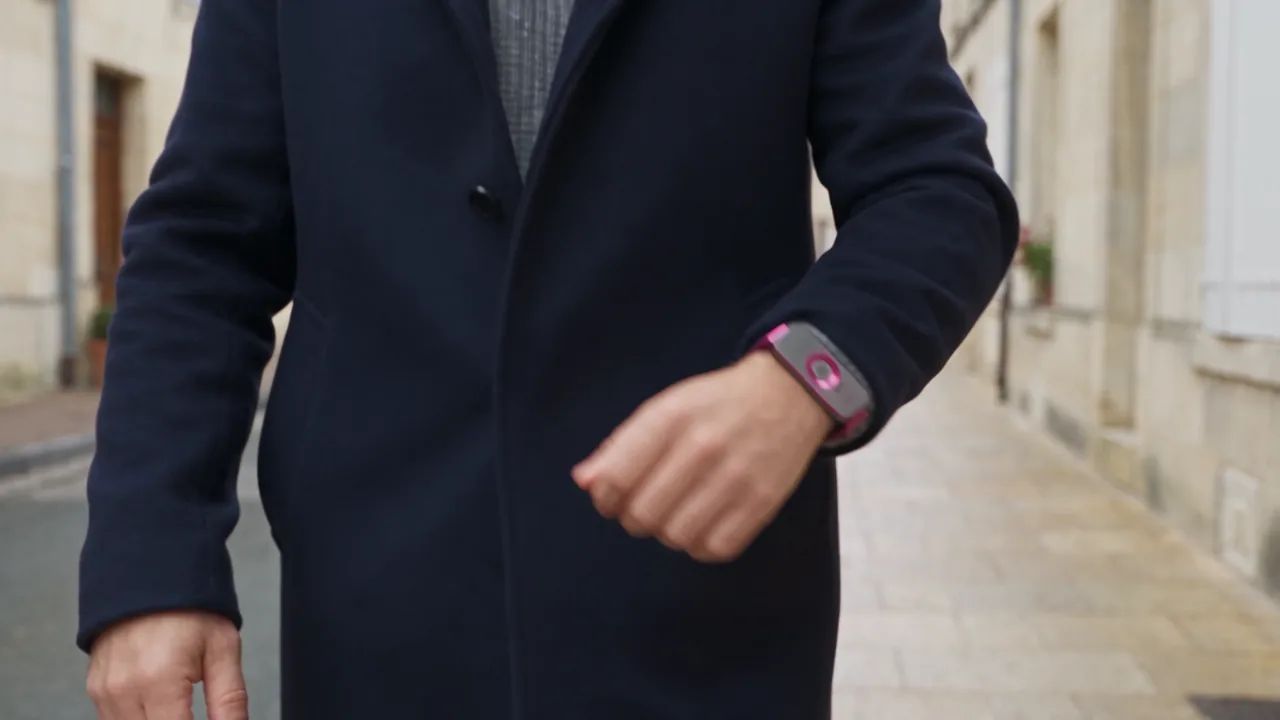
  • On a walk.
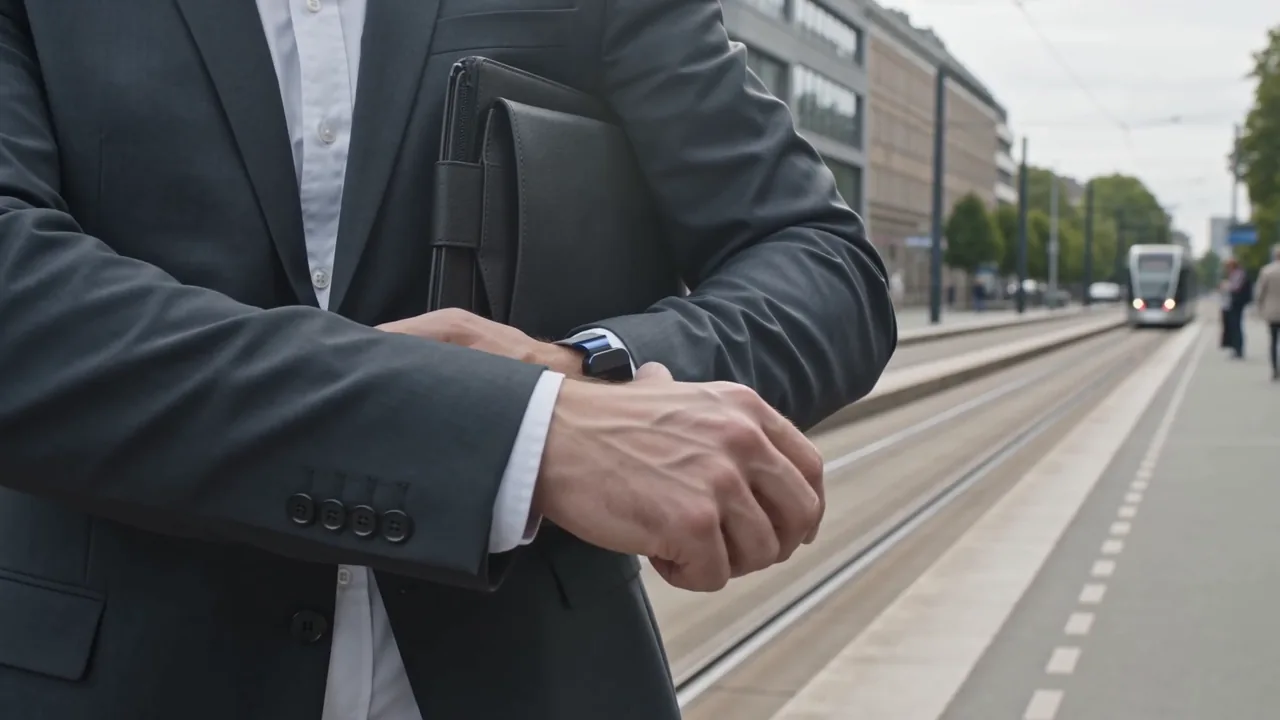
  • Waiting in line.
  • Halfway through something else.

The reply you owe. The flight to book. The idea worth keeping. By the time you sit down, half of it has slipped away. Say it to TheoMate instead, and Theo is on it before you get back. Plenty of gadgets hand you a recording. This one hands the job to an assistant.

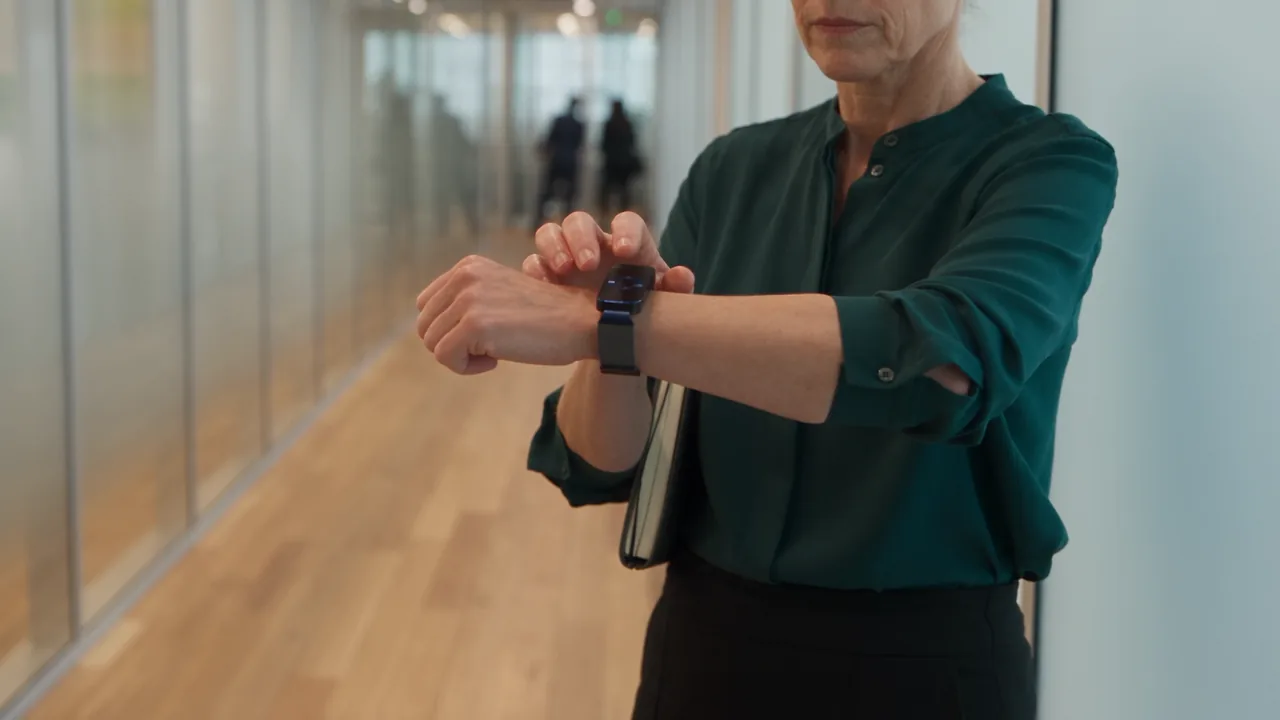
  • A woman raises her wrist to speak, the Black / Gold band close to her mouth.

    It gets the thing done.

    The reply written, the meeting moved, the flights found. Theo does the work, and a note is only ever the start.

  • The Midnight TheoMate Desk on a bedside table at night, its face lit beside a lamp and a book.

    It keeps working while you're away.

    In a meeting, on a train, asleep: Theo keeps going. Standing jobs run every week on their own.

  • TheoMate Desk showing needs you.

    You have the final say.

    Anything that sends, shares or spends waits for your OK on your phone or computer. Theo can ask. Only you can say yes.

What it does

Say it. It's handled.

A few things you could say, and what Theo does with them. Theo is the assistant behind TheoMate. It does the work, keeps at it while you're away, and asks before anything goes out.

Listening

Move my three o'clock to tomorrow and let them know.

Received · one buzz

On your phone

Meeting moved. The note to the others waits for your OK.

Out for a walk

Move my three o'clock to tomorrow and let them know.

The meeting's moved. A note to the others waits for your OK.

Listening

Reply to Maria: yes to Thursday, and send her the three things we agreed.

Received · one buzz

On your phone

A reply, ready to send when you say so.

After a coffee

Reply to Maria: yes to Thursday, and send her the three things we agreed.

A reply with the three points, ready to send when you say so.

Listening

Find me a flight to Quito on Friday morning, under $400.

Received · one buzz

On your phone

Three flights, best first. Theo books when you tap yes.

Heading out the door

Find me a flight to Quito on Friday morning, under $400.

Three flights on your phone, best first. Theo books only when you tap yes.

Listening

Follow up with everyone from that meeting on what they took on.

Received · one buzz

On your phone

One note to each person, waiting for your yes.

After a meeting

Follow up with everyone from that meeting on what they took on.

One note to each person, drafted and waiting for your yes.

1 of 4

How it works

Four simple steps.

You talk. Theo works, and keeps working. You have the final say.

  1. 01

    Press and speak

    Hold the band and say what you need done. Let go when you're finished. It only listens while you're pressing.

  2. 02

    Theo gets to work

    Your words go to Theo through your phone. Theo moves the meeting, writes the reply, finds the flights, or starts a standing job.

  3. 03

    One buzz: got it

    The band buzzes once to say your request arrived. If your phone isn't nearby, it tells you that instead.

  4. 04

    You have the final say

    Anything that sends, shares or spends waits for your OK on your phone or computer. The band can ask. Only you can say yes.

One buzz means got it. Two mean it's ready. Nothing goes out until you say so.

The app

Where Theo's work lands. Where you say yes.

Everything Theo does for you shows up here: the reply it wrote, the meeting it moved, the flights it found. Read it, change it, and give the OK when you're ready. On your phone when you're out, on your computer when you're back.

The TheoMate desktop app, Today: a greeting, one decision waiting, the next two meetings, and four documents ready to review.
The TheoMate app on a phone, Today: one decision waiting, two meetings next, three things ready to review.

What you can do

A few things you might say.

Hold the band, or press the key on the desk, and just talk. Here's the kind of thing Theo does with it.

  • Save this idea: a birthday trip for Mum, somewhere warm.

    A note, titled and filed, on your phone.

  • Order more coffee, and add batteries and printer paper.

    The order, ready on your phone. It goes when you tap yes.

  • Move my three o'clock to tomorrow and let them know.

    The meeting's moved. A note to the others waits for your OK.

  • Reply to Maria: yes to Thursday, and send her the three things we agreed.

    A reply with the three points, ready to send when you say so.

  • Every Monday at eight, send me what's due this week.

    A standing job. It runs every week on its own.

  • What's on today, and what should I do first?

    A plan for the day, with the prep for each meeting done. On the desk's screen and your phone.

On your computer TheoMate for desktop

Where you finish things.

One window with everything Theo did today: what's ready, what's next, and the one thing that needs you.

  • Today

    What's ready, what's next, and the one thing that needs you. No endless feed.

  • Read it, then approve it

    See the reply next to what it came from. Change what you like. It goes when you click yes.

  • Your documents, where you keep them

    Notes, lists, documents, sheets and slides are saved in OpenCharts, your online workspace. Never in a second place.

  • Matches the desk

    What the desk shows from across the room is exactly what this window shows up close.

On your phone TheoMate for phone

See it happen. Say yes with a tap.

The band talks to Theo through your phone, so your request lands here first. Watch Theo work on it. Anything that sends or spends waits here for your tap.

  • Got it, then done

    One buzz on your wrist means your request arrived. Your phone is where you watch it finish.

  • Needs you

    Anything that sends an email, shares a file or spends money waits here for your OK. Nothing goes out on its own.

  • The band's connection

    The band has no internet of its own. It talks through your phone, which is what keeps it small and simple.

  • Talk for up to 30 seconds

    Hold, speak, release, and watch your words appear. Each press captures up to 30 seconds.

How you get it

It comes with the band and the desk.

The app is part of TheoMate. When TheoBand and TheoMate Desk are ready, the app comes with them, on your phone and your computer, and one Theo account covers all three. Join the list and you'll hear first.

The app screens on this page are design mockups, not finished software. This is how the band, the desk and Theo are designed to work together. Details may change before release.

Your AI, your choice

Works with the AIyou already use.

Theo does the work by default. If you already use another AI assistant, TheoMate can hand it the work instead. Whichever one you pick, you still approve anything before it goes out.

  • Theo by default. Your choice, though.

    Theo does the work unless you pick another assistant. Two coding assistants already run on OpenCharts, and more are built to plug in the same way.

  • You always have the final say.

    A request can start on your wrist, at your desk, on a schedule, or when an email arrives. Anything that sends, shares or spends waits for your yes on your phone or computer, whichever assistant did the work.

  • Everything lands in one place.

    Notes, documents, lists, sheets, slides and flowcharts all go to OpenCharts, your online workspace. Whichever assistant made them, you'll find them in the same place.

What the labels mean

Working today on OpenCharts
It runs today on OpenCharts, the workspace behind TheoMate.
Planned. Not connected yet
It's built to connect, but nothing is connected yet.

AI assistants

The assistant that hears your request and does the work.

  • Theo

    TheoVex's assistant, and the one TheoMate is built around.

    Working today on OpenCharts

  • TheoClaw

    TheoVex's helpers for longer jobs that carry on while you're away.

    Working today on OpenCharts

  • Codex

    OpenAI's coding assistant.

    Working today on OpenCharts

  • Claude Code

    Anthropic's coding assistant.

    Working today on OpenCharts

  • OpenClaw

    An open-source assistant that speaks the same standard as the others.

    Planned. Not connected yet

  • Hermes

    Nous Research's assistant. Speaks the standards TheoMate connects through.

    Planned. Not connected yet

  • Grok Bot

    xAI's AI teammates, reached through the same standards.

    Planned. Not connected yet

The AI models underneath

These are the models the assistants think with. OpenCharts can use all four today. A model on its own doesn't take requests or approve anything; the assistant above it does.

  • Claude

    Anthropic's models.

    Working today on OpenCharts

  • GPT

    OpenAI's models.

    Working today on OpenCharts

  • Grok

    xAI's models.

    Working today on OpenCharts

  • Gemini

    Google's models.

    Working today on OpenCharts

Names and logos belong to their owners and are shown to say what TheoMate is built to work with. Listing one isn't a partnership or an endorsement. TheoMate is in development; no working connection is claimed yet.

Look closer

One solid piece of metal.

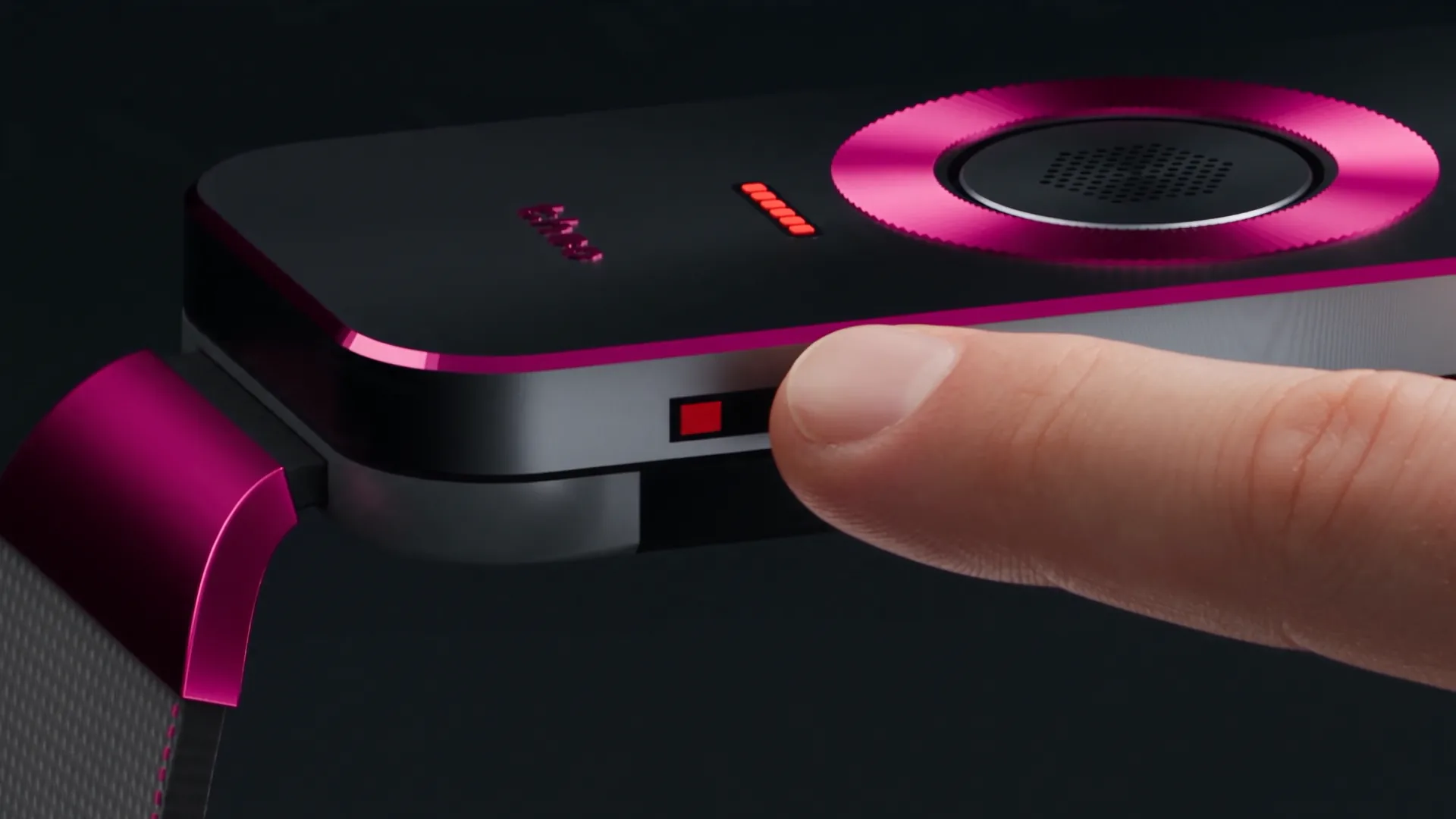
The body and the button are cut from aluminium and finished to read as one piece. Scroll to turn it.

01 / 06

The whole top is the button.

Press anywhere on it. It clicks the same wherever your thumb lands.

02 / 06

A ring you can feel.

Fine ridges around the microphone, raised just enough to find with a fingertip. In a pocket, under a sleeve, in the dark.

03 / 06

The microphone stays put.

The grille in the middle doesn't move when you press, so it hears you the same way every time.

04 / 06

A light that's off until it matters.

A thin slot that disappears into the metal until the band has something to tell you.

05 / 06

One bright edge.

A thin cut edge catches the light on every colour. It's the detail you notice from across a table.

06 / 06

Metal, with a signal-friendly end.

Each end is colour-matched so the wireless signal can get out. You won't spot the join.

48 × 20 × 5.75 mm case on a 16 mm woven strap. Early design; finishes may change before release.

The TheoBand seen edge-on, its bright cut edge catching a single line of light.

TheoBand

No screen. No feed.Just say what you need.

By the numbers

The details that matter.

3

Things the desk can say

Working, Ready to review, Needs you.

31°

Screen angle

Tilted so you can read it from across the room.

7

Colours

One metal tone and one accent colour each.

48 × 20 mm

The case

Solid aluminium, with a ridged ring (120 fine ridges) your thumb finds without looking.

These figures come from the design files for both devices. They describe the design, not measured results: no battery life, range or sound claims are made on this page.

Privacy

A real off switch for the microphone.

The band only listens while you're pressing it. And if you want to be certain, there's a switch you can move with your thumb.

  • A switch, not a setting

    Slide the switch on the side of the band and the microphone loses its power. No app, update or bug can turn it back on.

  • Red means off

    The red mark under the switch is the only red on the band. It always means the microphone is off.

  • It never records the room

    It records only while you hold the band. There's no always-on mode, so there's nothing to remember to turn off.

Better together

Two devices. One assistant.

The band hands Theo a job wherever you are. The desk shows you when it's done. Each works on its own. Together, nothing slips through the cracks.

  • A woman at a tall window in soft daylight, the Iron / Fuchsia band on her wrist.

    TheoBand

    Ask from anywhere.

  • A woman at a home office by a tall window, the Cloud TheoMate Desk on the desk before her.

    TheoMate Desk

    Find it done at your desk.

TheoBand

TheoBand

Hold. Speak. Release.

  • Hands Theo a job from anywhere
  • No screen. Hold, speak, release
  • Buzzes so you know it heard you
  • A real off switch for the microphone
  • Seven colours
TheoMate Desk

TheoMate Desk

One glance tells you where things stand.

  • Shows what Theo has done, at a glance
  • Only ever says one of three things
  • Working, Ready to review, Needs you
  • Always asks before anything goes out
  • Two finishes: Cloud and Midnight

Who's behind it

Made by TheoVex. Powered by Theo.

TheoMate comes from TheoVex, the team behind Theo, the assistant that does the work day and night, and OpenCharts, the online workspace where your documents live.

First 100

Be one ofthe first 100.

The first 100 TheoMates are a numbered first edition, with your name and number engraved on the case. A refundable $1 deposit holds your number. Numbers are given out in order, so the sooner you reserve, the lower yours will be.

Engraved on the case

No./ 100

Your number, out of 100.

One hundred numbers in total. One of them could have your name on it.

Your number and your name, engraved where the case meets your wrist. There will only ever be one first 100.

  1. 01

    Your name and number, engraved on the case

    One of 100 cases with its number and your name on it. Once they're gone, they're gone.

  2. 02

    Founder pricing

    Your spot comes with a price below the launch price, applied the day we announce one. You don't have to guess at a number now.

  3. 03

    A strap nobody else gets

    A strap and finish made only for the first 100, then retired. They won't come back in a later colour.

  4. 04

    First in line

    When there's something to buy, the 100 hear before everyone else, in the order they reserved. People who reserved both devices are called first.

This is what we're working toward, not a guarantee. There's no final price or date yet, and your deposit comes back whenever you ask.

Reserve your spot.

$1 for one device, $5 for both. Refundable any time, for any reason.

What would your number be for?

No deposit, and you still get our updates. You just won't hold one of the 100 numbers.

  • It's not a purchase. The deposit holds your number; it isn't a payment toward the price.
  • You're not locked in. Get it back any time. The only thing you give up is your number.

Fully refundable, any time, no questions asked. You can do it yourself from the reservation page. Manage or refund your reservation or read the reservation terms.

Why now. Numbers are handed out in the order they're reserved. Waiting only costs you a lower number, and reserving costs $1 you can take straight back.

Things you can count on.

  • It only listens while you press the button. Every recording starts with your thumb.
  • It doesn't track your body. There's no health or fitness sensing in it.
  • It doesn't carry your location or your money. Maps and payments stay on your phone.
  • It never sends anything on its own. The band can ask; only you can say yes.

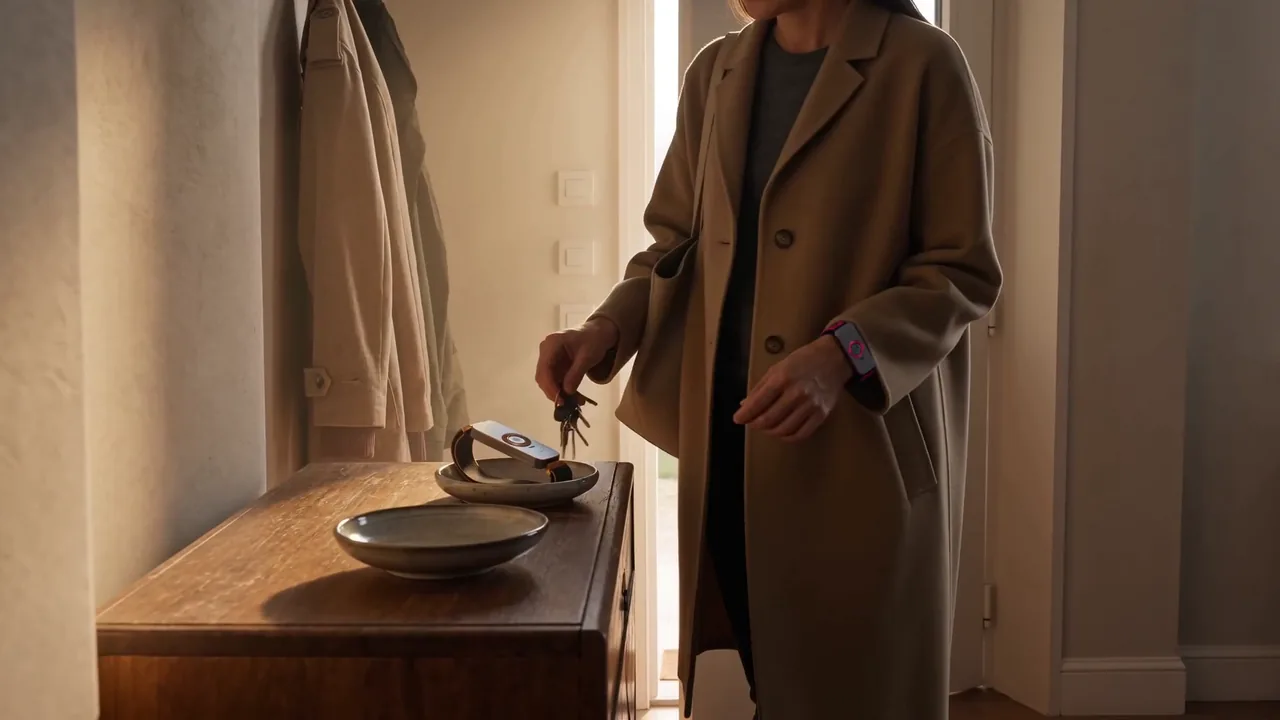
The lifestyle photos on this site are computer-generated, people included. The products are shown as early renders.